











Casiny Casino Mobile App (Australia): APK & Download Options
Mobile play is the fastest way to access Casiny-style gameplay from a phone or tablet. For Australian users, the main point is to separate marketing claims from what is practically available and verify sources before installing anything.

Is there an official Casiny Casino app?
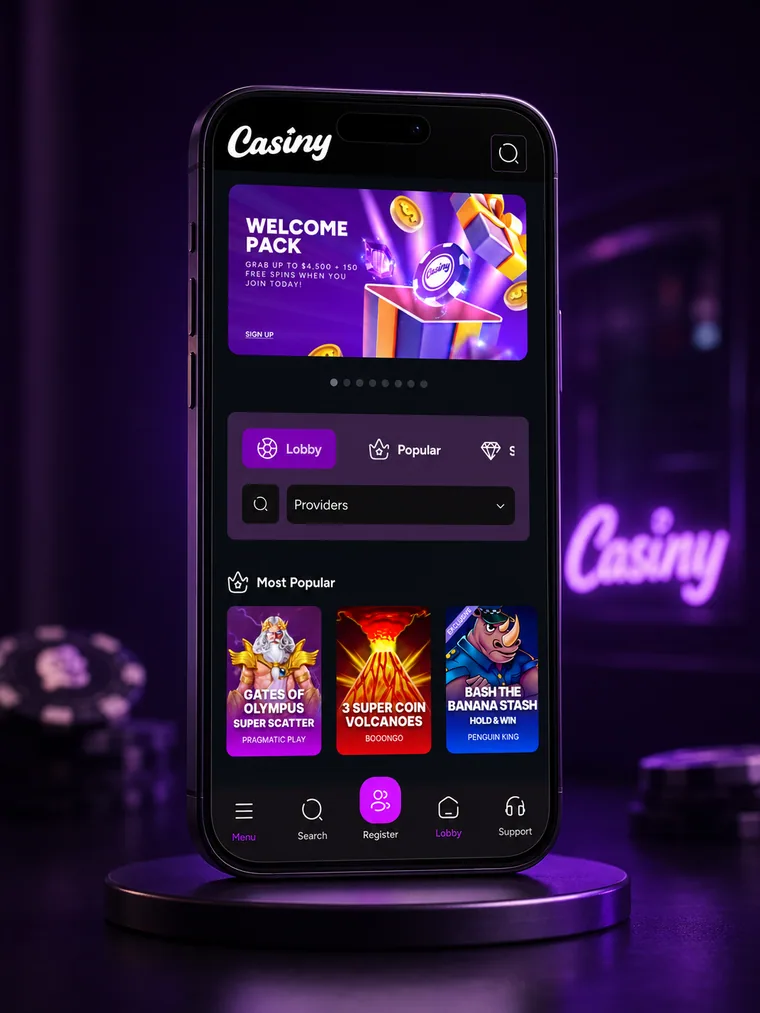
Online you can find Casiny-branded pages with an “App” section and Android/iOS download buttons. However, some independent reviews state there is no dedicated mobile app and that mobile play works via the optimised website in your browser. Because these sources conflict and store listings are not clearly confirmed from public links, treat Casiny as mobile web / PWA-first unless you can verify an official App Store / Google Play listing yourself.
Best way to play on mobile (recommended)
Option 1: Mobile browser (no install)
- Open Safari (iPhone) or Chrome (Android).
- Go to the official Casiny domain you are using (bookmark it).
- Log in or register, then open the lobby and play.
Option 2: Install as a shortcut (PWA-style)
Android (Chrome)
- Open the site in Chrome.
- Tap ⋮ → Add to Home screen / Install app (label may vary).
- Confirm. You’ll get an icon that opens the site in an app-like window.
iPhone (Safari)
- Open the site in Safari.
- Tap Share → Add to Home Screen.
- Name it and confirm.
Casiny Casino APK: when it’s relevant (and when to avoid it)
If an Android APK is offered, download it only from the operator’s official domain. Avoid mirror sites and third-party APK hosts. If you cannot verify the source, use the browser/PWA option instead.
Source checks before you install
- Confirm the download page is on the same official domain you use for login/cashier (not a look-alike URL).
- Avoid APK files shared via messengers, pop-ups, or “bonus” landing pages.
- After download, check the file name/size looks consistent, and install only once (re-downloading repeatedly can be a red flag).
Permissions: keep them minimal
A casino app/PWA typically needs network access and storage for caching. Be cautious if it asks for unusual permissions (SMS access, accessibility services, device admin, or “install other apps”).
Typical safe-flow on Android (only if the APK is official):
- Download the APK from the casino site.
- When Android prompts for permission, allow installs from that specific browser/file manager.
- Install → open → log in.
- Disable “unknown apps” permission again after installation.
Updating safely
Only update through the app’s own prompt (that opens the official domain) or via the same verified official site. Never install “update APKs” from email links or ads.
What should work on Casiny mobile
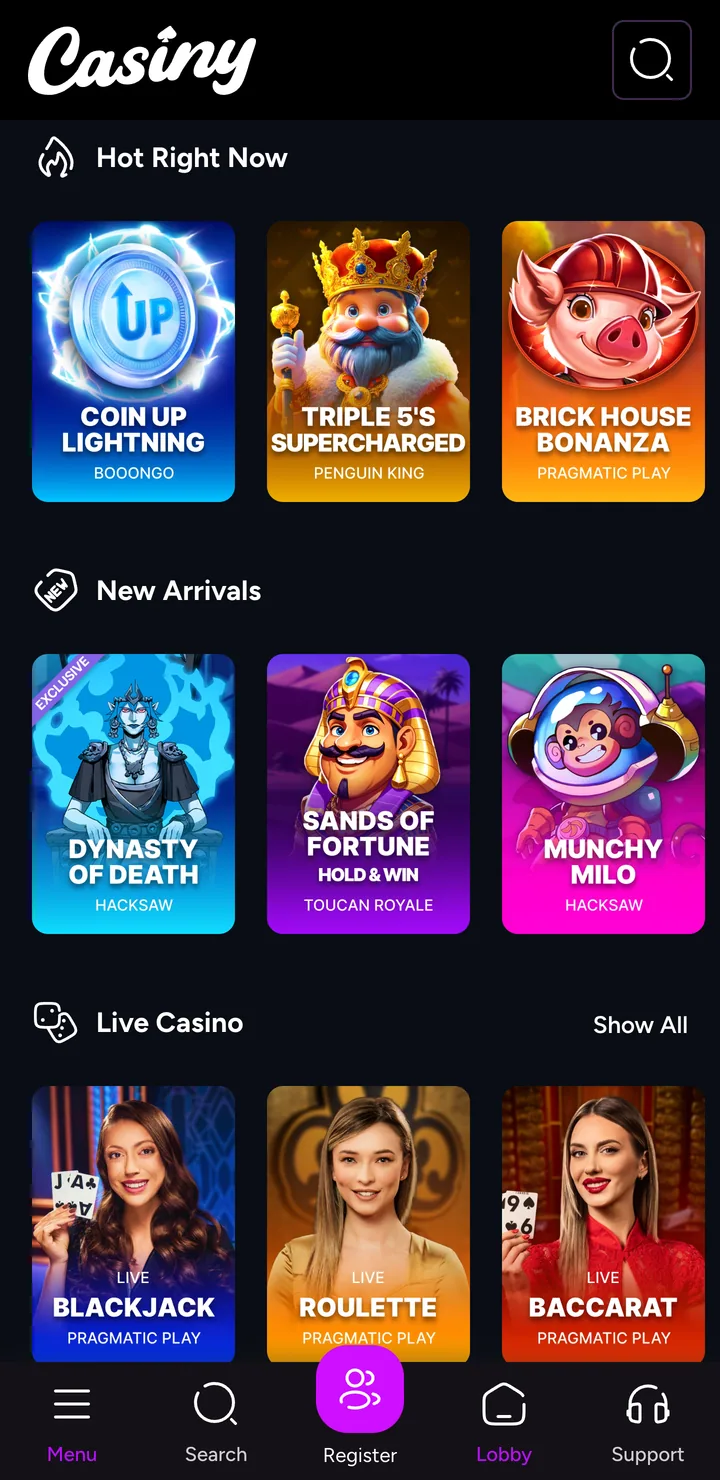
- Full game lobby with search and categories (slots, tables, live dealer if offered).
- Deposits and withdrawals via the cashier (methods and AUD handling vary by operator setup).
- Bonus balances and promo trackers where offered.
- KYC/verification uploads using phone camera.
- Support access (live chat or ticket/email) from the menu.
Mobile KYC (Verification) Step-by-step
If you plan to withdraw, completing KYC from mobile early usually reduces delays later.
- Prepare documents: a valid photo ID and a proof of address (often required). Make sure details match your profile (name, DOB, address).
- Use good lighting: avoid glare, reflections, and dark corners. Place the document on a plain background.
- Capture clean images: keep all corners visible, text readable, and don’t crop too tightly. If the upload asks for front/back, provide both.
- Selfie / liveness check: remove hats and sunglasses, face the camera, and follow on-screen prompts. Use Wi-Fi or stable 4G/5G to prevent upload errors.
- Common rejection reasons: blurry photos, cut-off edges, mismatched address, expired ID, or edited screenshots. If rejected, re-upload fresh photos rather than reusing the same files.
- After approval: re-check your withdrawal method details in the cashier to avoid payout failures (wrong wallet/account number, mismatched method, etc.).
Mobile security checklist (Australia)
- Use only the official domain you trust and ensure HTTPS is active.
- Keep your phone OS and browser updated.
- Use unique passwords and enable biometrics/passcode on the device.
- Don’t install “update APKs” from messages or third-party sources.
Responsible play
Apply available safeguards: deposit limits, loss thresholds, time notifications, cooling-off, account exclusion if they have it. Keep play budgeted and timed.
Casiny Casino Mobile App FAQ
Can I play Casiny Casino on my phone without downloading an app?
Is there a Casiny Casino APK for Android?
How do I install Casiny on iPhone (iOS)?
Why won’t the Casiny app install on Android?
Does mobile have the same bonuses and promotions as desktop?
Is it safe to use third-party “Casiny APK download” sites?